Share this room
Sign in or Sign Up!
Welcome to Grim’s TechBar Lobby! This is the front desk of my virtual world—your first stop before exploring the rooms, services, and events available here.
Whether you’re looking for quick help, a place to learn, or someone to build a space for you, I’ve made it easy to get where you need to go. Use the menu above to learn more about what I offer or head into one of the public rooms through the sidebar.
Take your time. Poke around. And if you’re not sure what you’re looking for yet, that’s okay . I’m happy your here and I hope we get the chance to meet.
Hi, I’m Grim, the creator of Veda Virtual and founder of Grim’s TechBar. I help creators and entrepreneurs build immersive online spaces (like this) using WordPress, Elementor, and GoBrunch. How can I help you today?
Q: Do I need to allow camera and mic access?A: Yes, to fully participate in rooms with live sessions or conversations. But you can turn your camera and mic on or off anytime.
Q: Do I need to enter a name?A: Yes—you’ll be asked to enter a name or nickname to join the space. That’s how others recognize you.
Q: Which browser works best?A: Desktop users should use Chrome or Firefox for the best experience. Other browsers may cause layout or functionality issues.
Q: Can I join from my phone or tablet?A: Technically, yes—but the space is built for desktops. Using a phone or tablet may result in misaligned menus or limited functionality.
Q: How do I leave a room?A: Use the Exit button in the global header or close your browser tab.
Q: Can I be in two rooms at the same time?A: Yes—you can open rooms in separate tabs, but using mic or camera in more than one tab at a time might cause feedback or conflicts.
Q: How do I navigate between rooms?A: Use the Explore button in the global header to open the room directory panel, then click the room you want to enter.
Welcome to the TechBar! Drop a comment and let me know what you think.
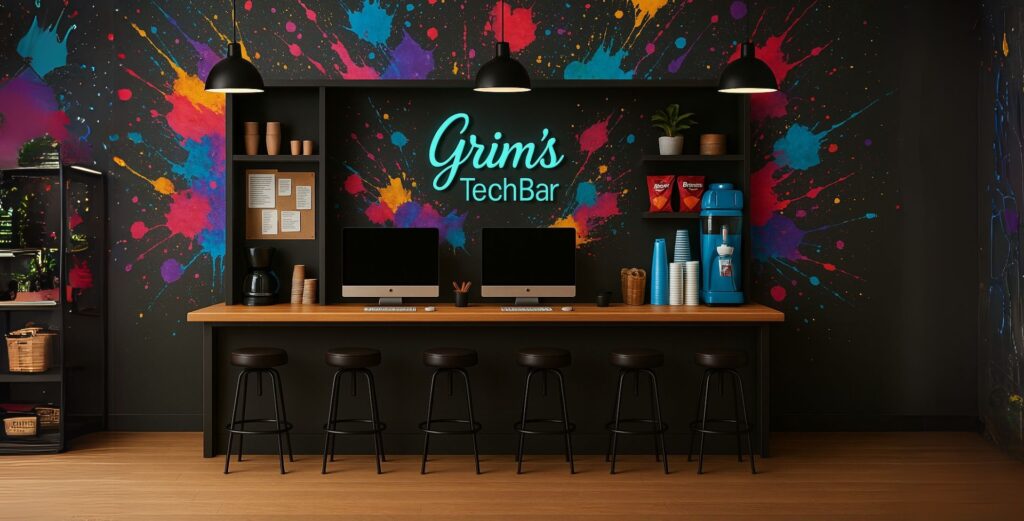


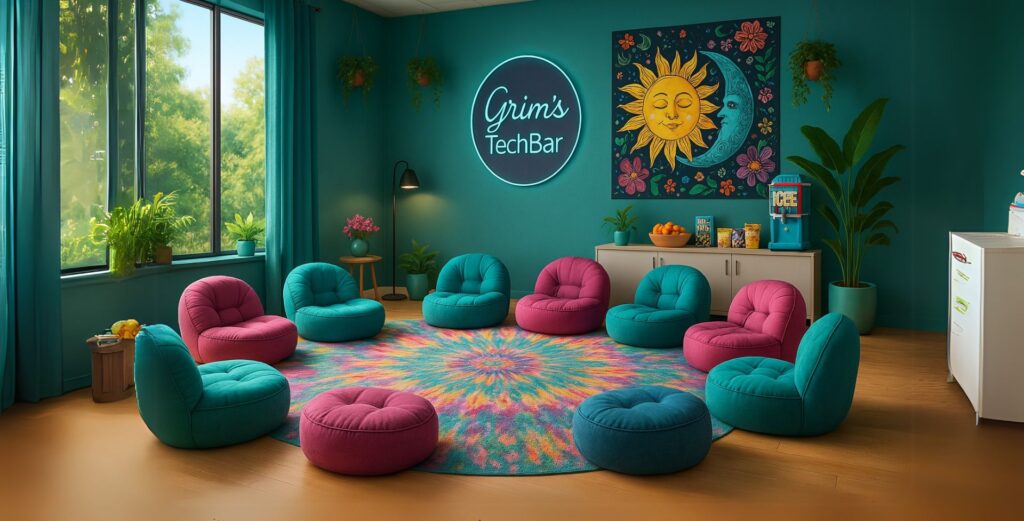
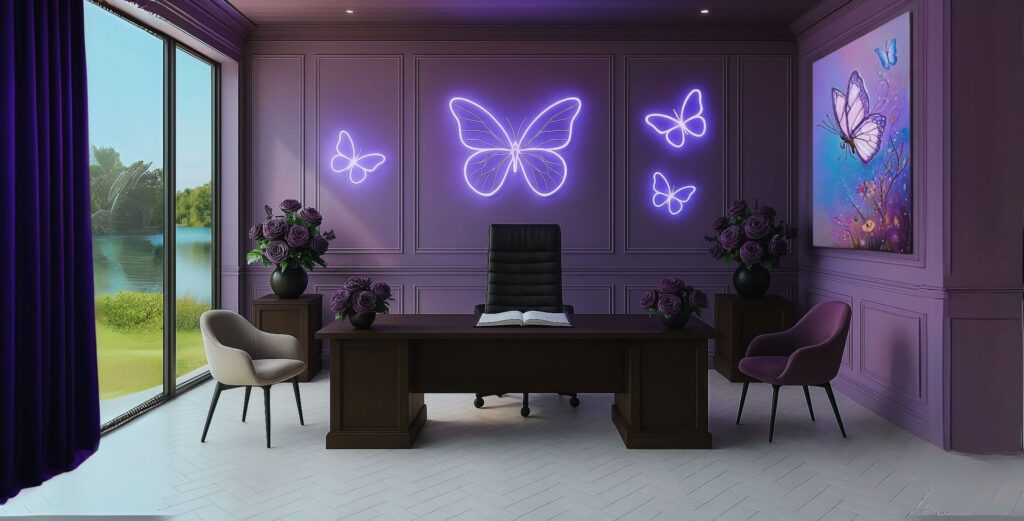

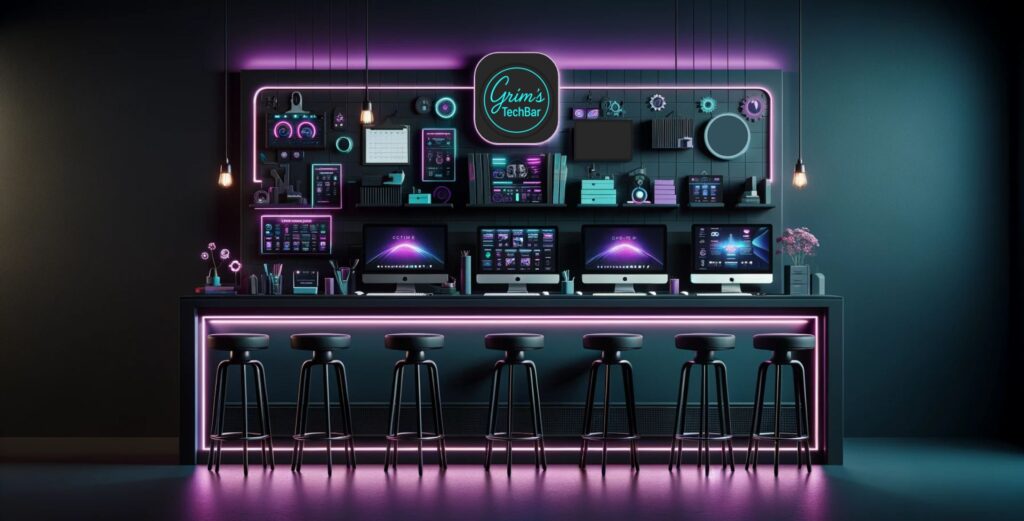
Welcome to the TechBar! Drop a comment and let me know what you think.